Root, My Beloved
Root, My Beloved
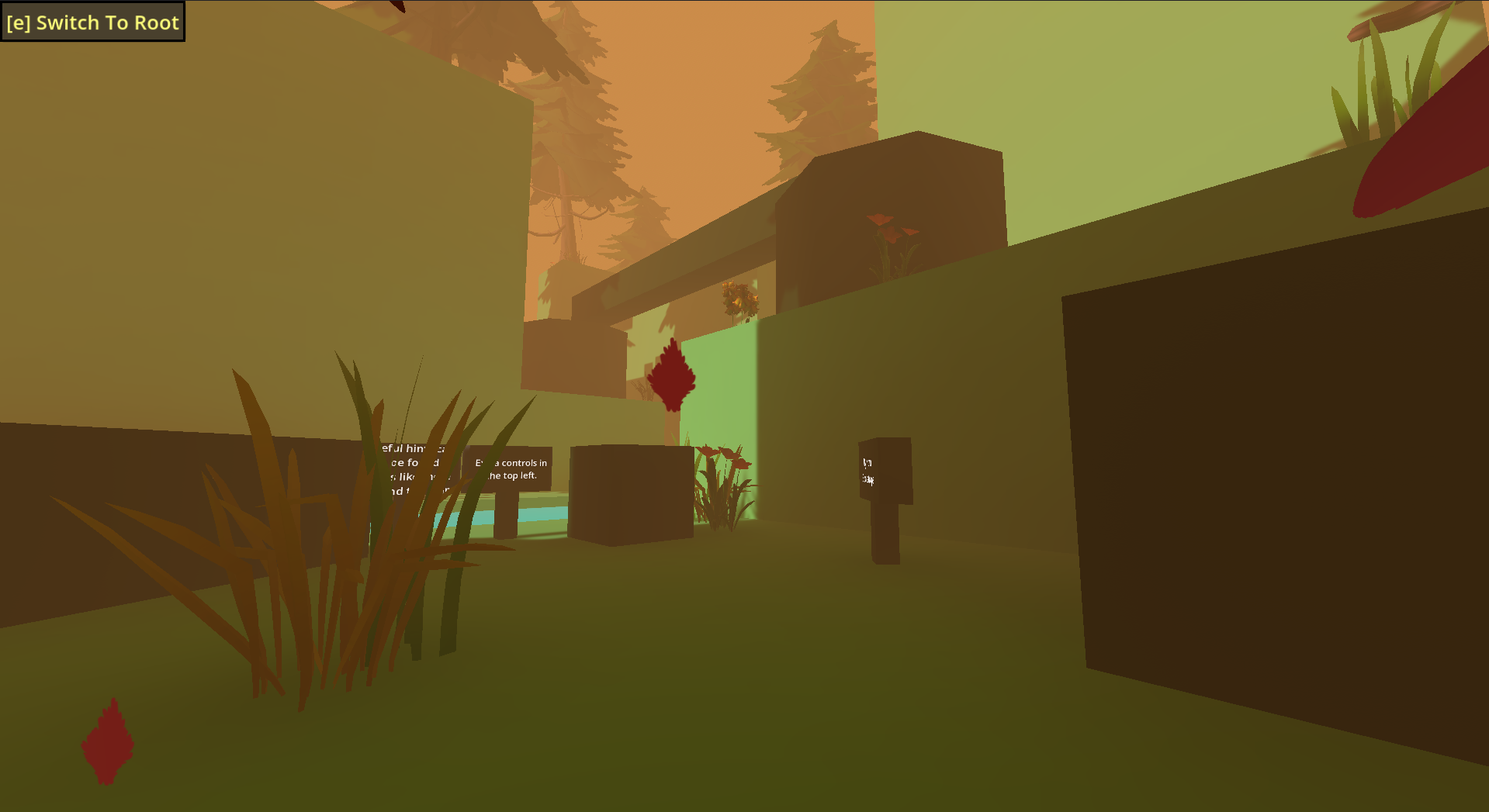
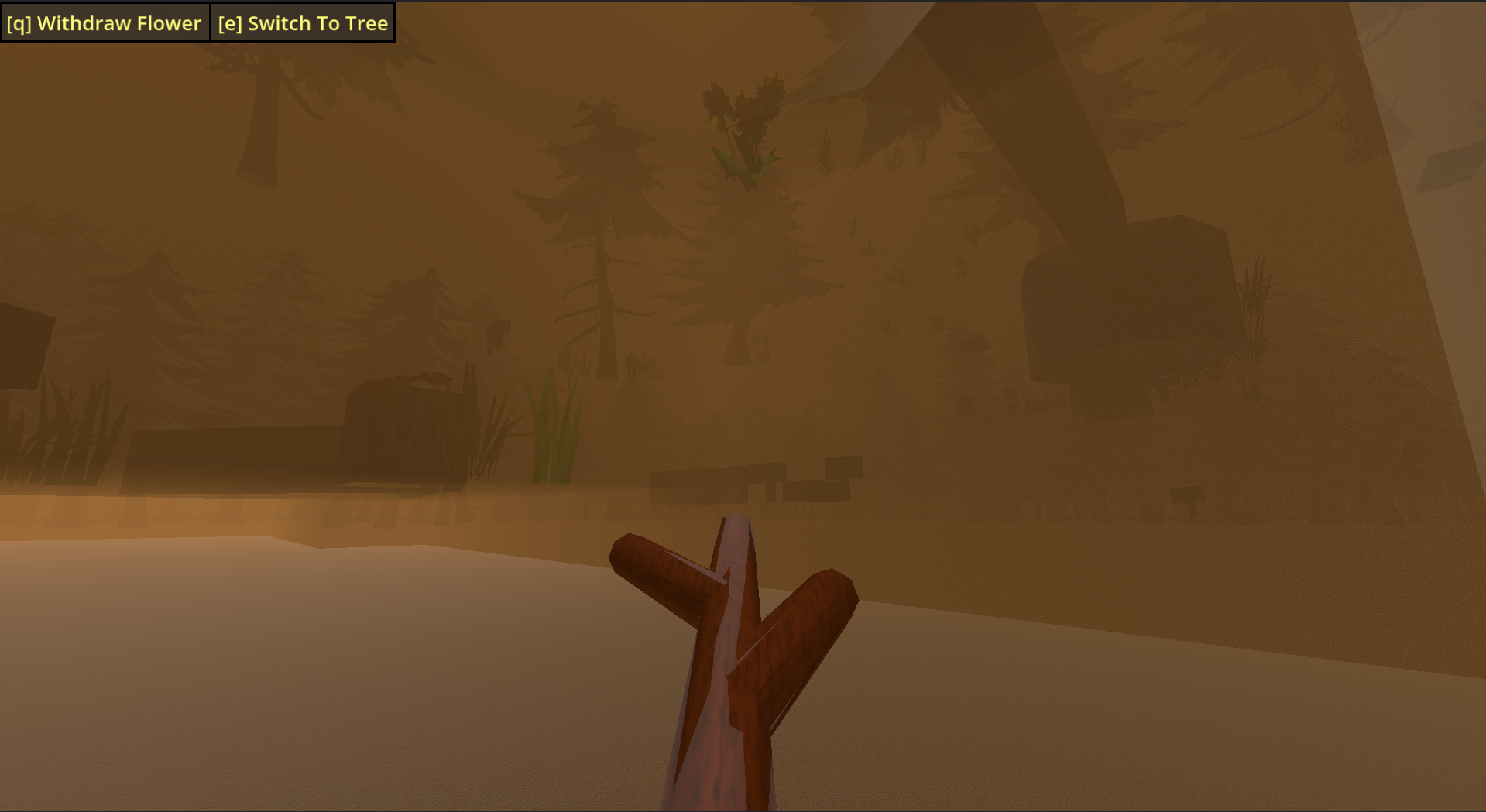
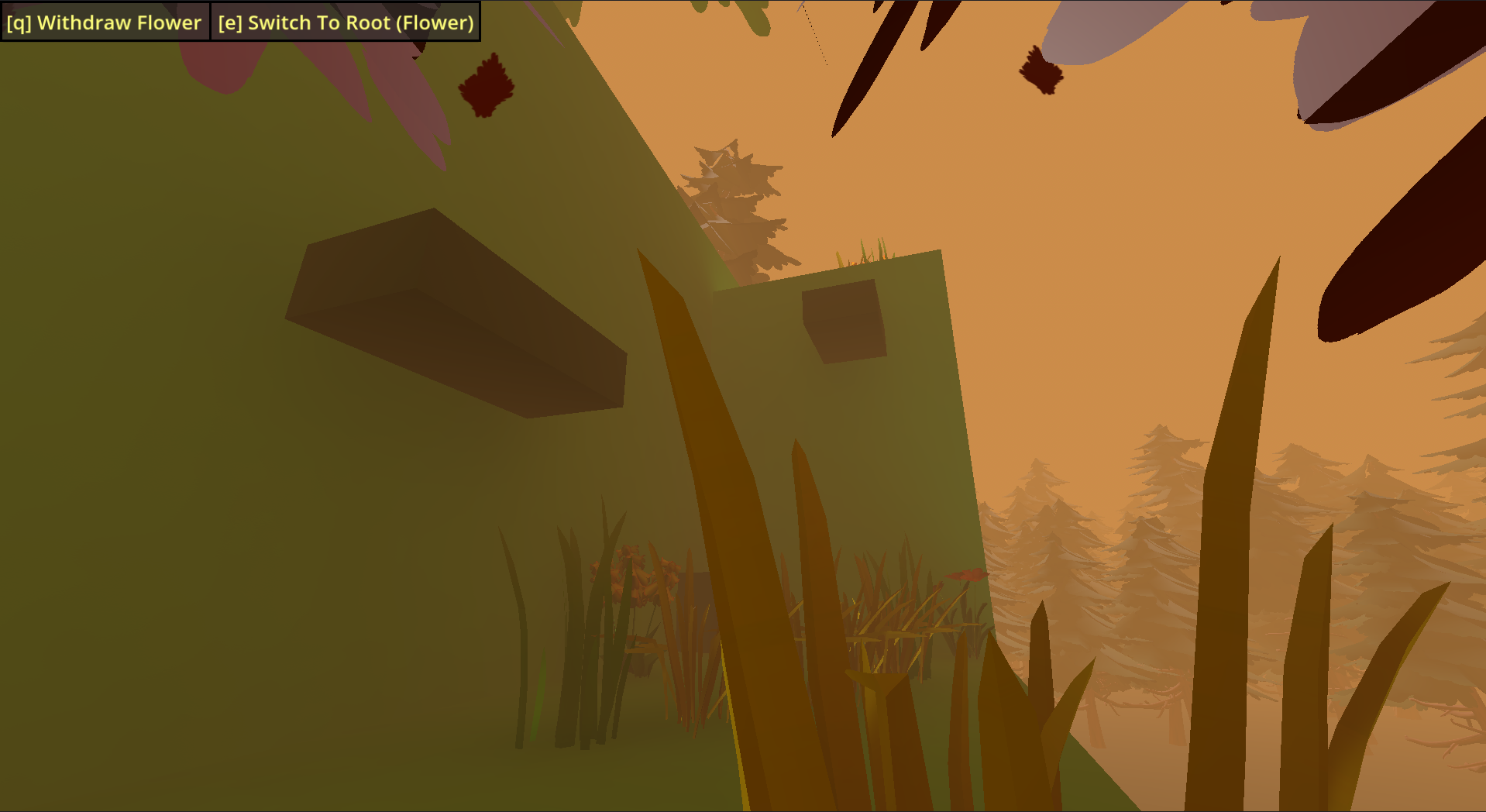
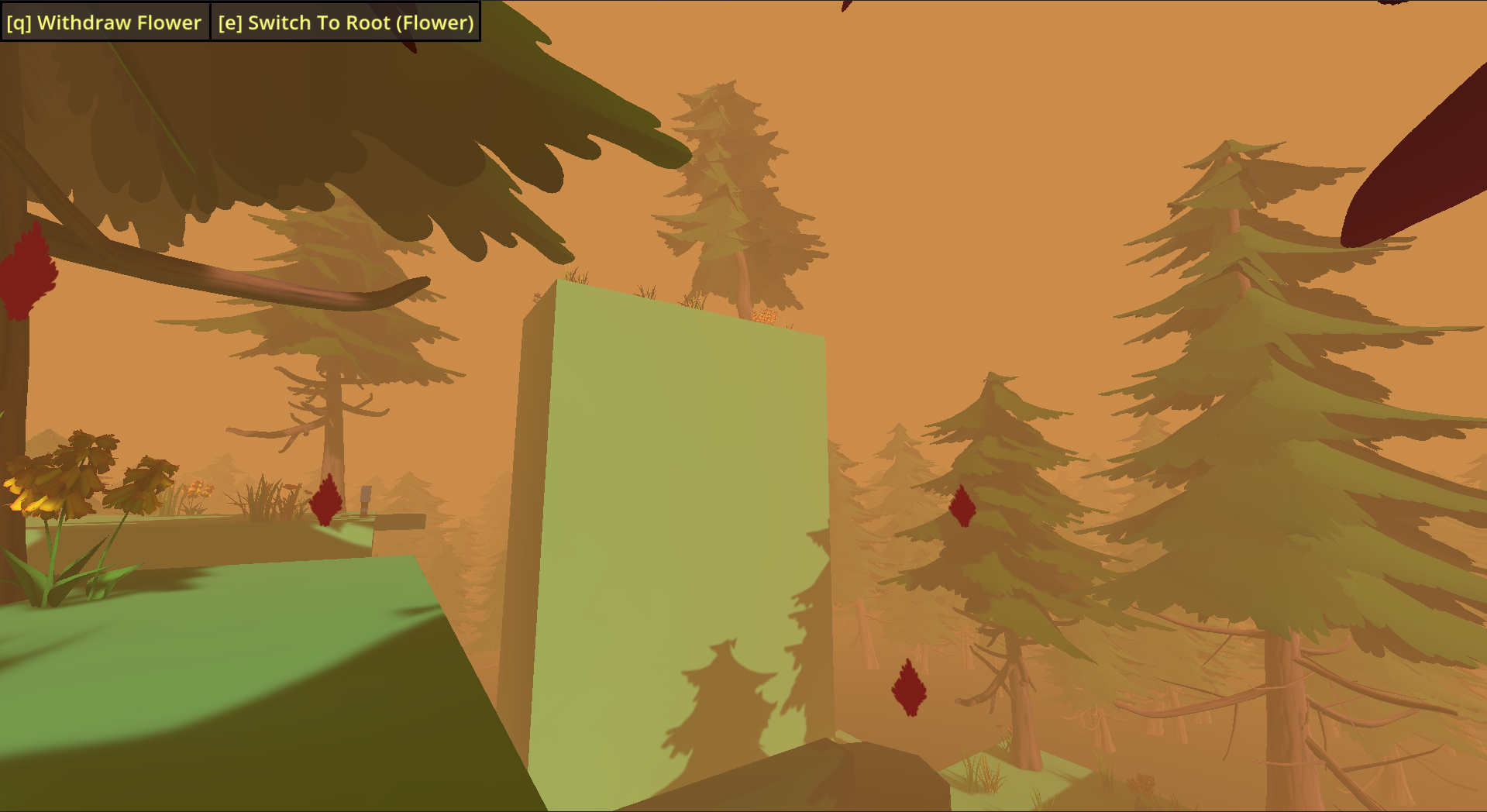
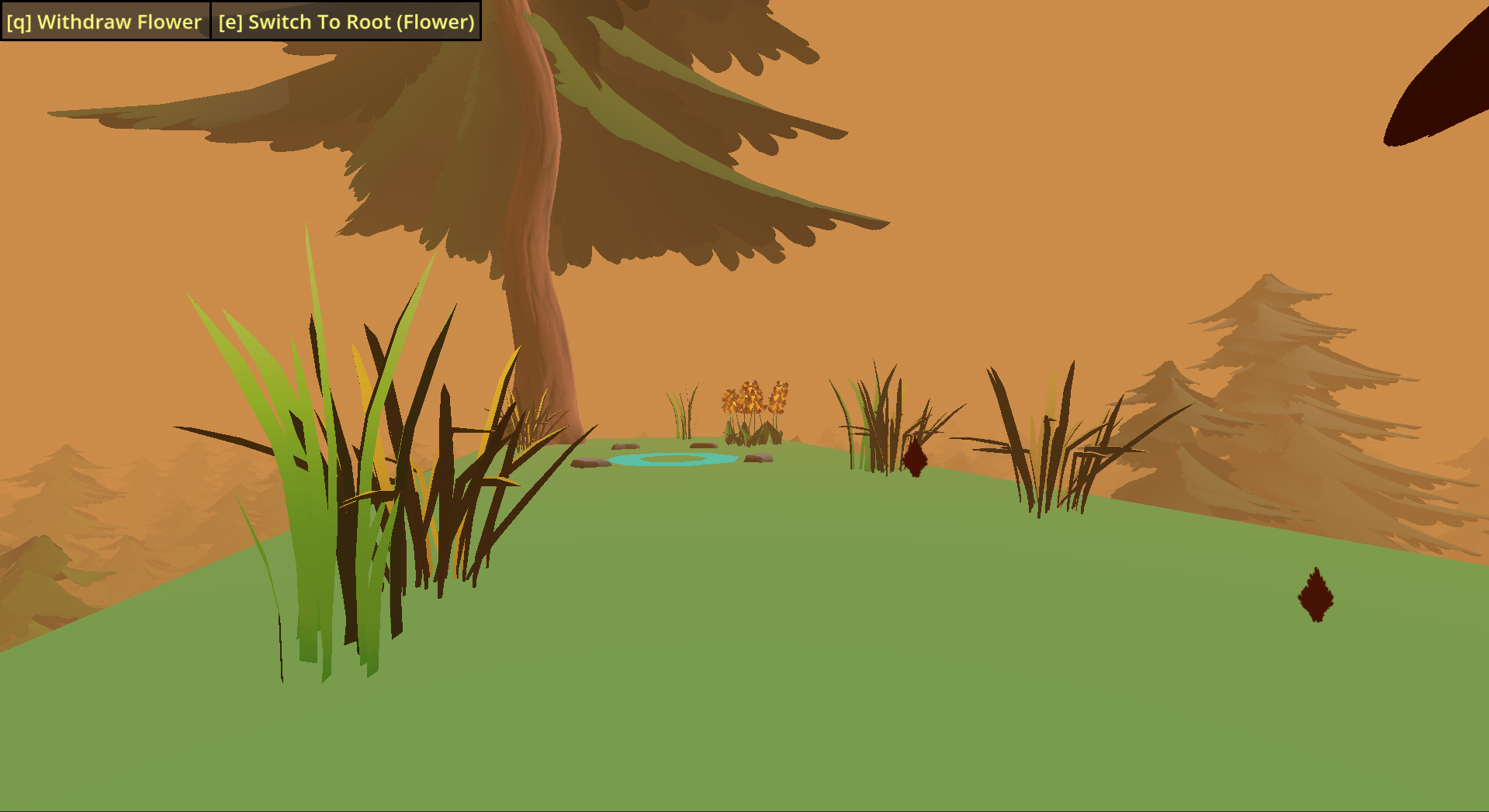
A tree and its root companion traverse their way to the highest point of a dense wooded forest. The tree is your typical platformer character while the root is able to go underneath the ground and sprout a platform. This allows for the player to visualize and deduce the intended path which may not be clear initially.
Made within three days as a solo developer for Cozy Fall Jam 2026.
Player Notes
If there are issues with any of the builds, please let me know so I can try to fix them.
Controls
Mouse Movement - Look
[W][A][S][D] - Movement (Tree)
[W] Only - Movement (Root)
[Space] - Jump
*Other controls will either be displayed on screen and/or in the top left.
Walkthrough
For those who found themselves not able to progress further in a certain section (which may be my fault for not making it more clear), I have added this walkthrough description detailing both where to find the hint for it and what you exactly need to do to progress in that section.
Click each spoiler tag to reveal it.
By Your Bootstraps
The hint for this one can be found across the river behind your character's spawnpoint.
Full Explanation
Go into root mode and sprout a plant near one of the elevated portions, and then you can jump on the plant in order to reach the higher-up places.
Wall Protrusion
The hint for this one can be found in the water, behind the player, after failing the jump across that first gap.
Full Explanation
For the first part, sprout a plant off the wall in front of you so you can jump on it and make it across the gap.
For the second part, you will do the same thing except in between each elevated ground block portions.
Leap Of Faith
The hint for this one can be found by turning around from the section's sign, going to the edge, and looking a bit to the left and down. Then you just jump down to that ground pillar from there.
Full Explanation
Sprout a plant off of the extended platform and hop onto it for some extra height. As you jump across and hit the wall of the other side (with your plant still sprouted), enter root mode and traverse all the way to the other side where you can sprout a plant on that side to catch you.
Then similar to the last section, extend the plant off the wall and jump up.
Plant After Plant After Plant After ...
After making it across the "Leap Of Faith", turn left instead of going right towards the section's sign. On the slightly less elevated ground portion, go towards the edge, look left, and the hint will be hanging off the side of the more elevated ground portion.
Full Explanation
Similar to the last section, you will jump across in the direction of the extended platform and catch yourself on the other side. However, now you will need to continuously do the following: jump, enter root mode, despawn your sprouted flower, and sprout another one where you will land in your jump position (which will result in you gaining elevation).
After enough times, you will be able to jump to the top of that elevated ground.
Web Build
On the web build, a capture mouse button will appear in the top right if your browser uncaptures your mouse from the game. I've had this problem with past 3D web builds, so I hope this fixes it.
Developer Notes
Despite there always being a bunch of things I did not have to time to add of fully flesh out when it comes to doing these jams, I am pretty satisfied with the result of this one. If I were to work on it in the future, I would rework the environment more to make it feel more natural or lively, along with making the underground the root goes through look more like traveling through dirt.
Credits
Visuals
- Stylized Nature Megakit - Quaternius (Most Nature Assets)
Audio
- Music Loop Bundle - Abstraction (Background Music)
- Deadly - SideTrax (Ending Music)
Check these people out if you liked their work.
Download
Install instructions
Unzip the compressed zip file and run the executable.
Leave a comment
Log in with itch.io to leave a comment.